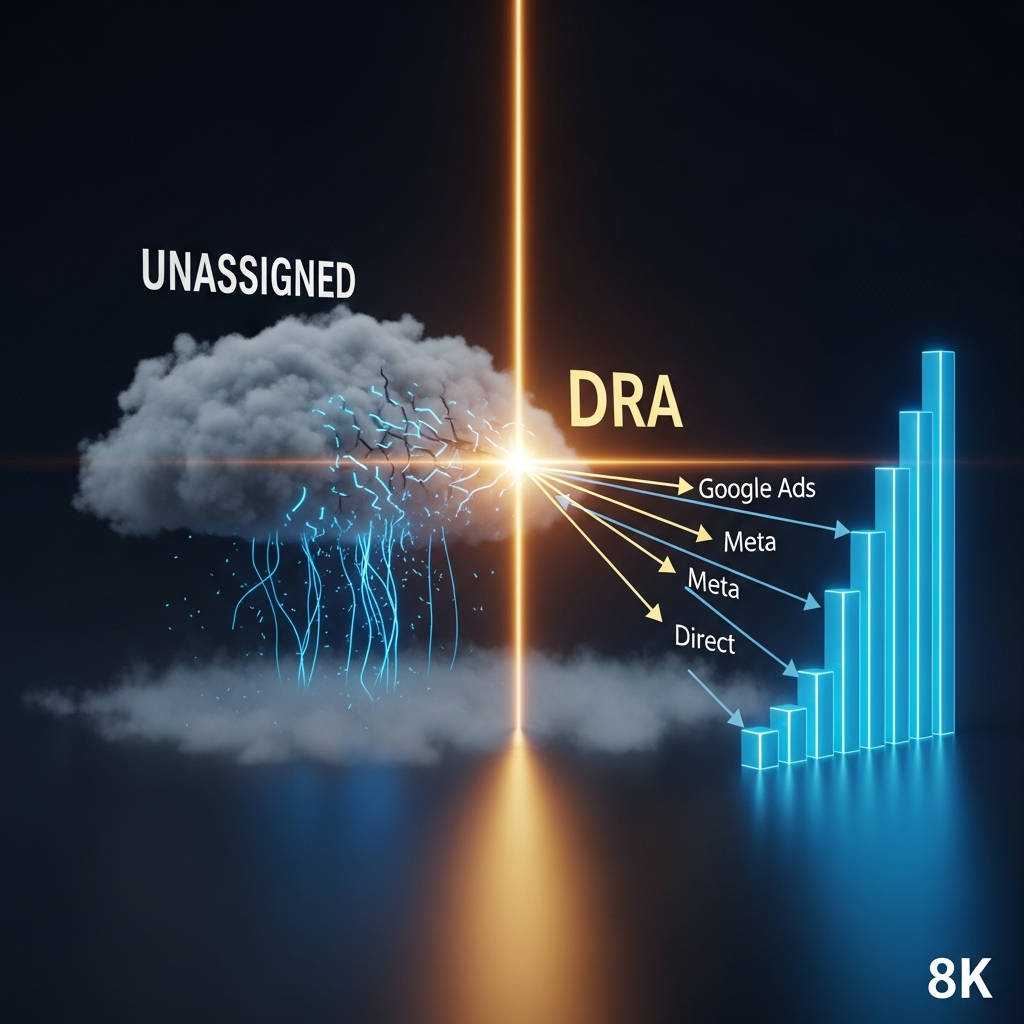
Summary: GA4 marks sessions as "Unassigned" when its default channel rules cannot classify the traffic source. The root causes range from simple UTM misalignment to deeper structural issues like cross-domain tracking gaps, consent mode stripping, and Measurement Protocol errors. Under 5% unassigned traffic is healthy; above 10% means your budget decisions are based on a partial dataset. Instead of manually retagging every campaign, CMOs can deploy a data modeling layer that reconstructs lost attribution from raw GA4 event streams, ad platform click IDs, and CRM data — without touching a single tag.
Every month your team spends diagnosing "Unassigned" in GA4 is a month your competitor spent acting on clean data. The 48-hour processing lag, the missing source parameters, the sessions that vanish into "(not set)" — these are not a tagging problem. They are a signal that your MarTech stack is structurally incapable of connecting spend to outcome.
1. How do I know if my unassigned traffic is a tagging problem or a platform issue?
The Answer: Run a four-minute self-serve audit before assuming the cause. Open your GA4 Traffic Acquisition report. Filter by Default Channel Group = "Unassigned." Add Session Source/Medium as a secondary dimension. What you see next tells you everything.
If you see source/medium pairs like klaviyo / email or facebook / cpc, your UTM tags are misaligned with Google's default channel rules. That is a tagging fix. You can create a Custom Channel Group in GA4 Admin that maps your values to the correct channel.
If you see (not set) / (not set) or direct / none, the problem runs deeper. GA4 never received source data for those sessions. The root cause is likely one of these: cross-domain tracking gaps, consent mode stripping the referrer, Measurement Protocol calls missing client IDs, or ad blockers blocking the GA4 tag entirely.
The strategic cost is the same regardless of the root cause. You are making budget decisions on a partial dataset. The channel that looks like your worst performer may actually be your best.
The 5 most common root causes CMOs miss
Cross-domain tracking breaks the session chain. A user clicks your LinkedIn ad, lands on your main domain, then moves to your checkout subdomain. If both domains share a GA4 Measurement ID but the referral exclusion list is empty, GA4 treats the move as a new session with no source. That traffic lands in Unassigned.
Consent Mode v2 blocks the referrer. When a user denies analytics cookies, GA4 receives a consent-default hit with no source parameters. The session is tracked. The channel is lost.
Measurement Protocol calls skip required fields. If your dev team sends server-side events without client_id and session_id, GA4 has no way to stitch those events to a session. The events count. The source is blank.
Ad blockers and ITP strip the query string. Privacy-focused browsers limit cookie lifespans to 24 hours. Return visitors on Safari lose GA4's ability to recall their original source. Their subsequent sessions land in Unassigned or Direct.
Auto-tagging is disabled or Google Ads is unlinked. Manual UTM tags introduce human error. One mistyped utm_source value and an entire campaign's data becomes invisible inside the Unassigned bucket.
2. Why does GA4 lose track of my traffic sources in the first place?
The Answer: GA4 was designed for event collection, not executive reporting. Its session-stitching logic depends on three things: UTM parameters, referrer headers, and first-party cookies. Privacy regulation, browser restrictions, and multi-platform customer journeys break all three simultaneously.
The result is what DRA calls Signal Decay. A user discovers your brand through a LinkedIn ad viewed in-app. The in-app browser strips the referrer. GA4 sees the click but not the source. The session is logged. The attribution is blank.
This is not a configuration error you can fix by hiring a better tag manager. It is a structural limitation of a platform built for engineers, not for leaders who need to connect marketing spend to revenue.
The "Ghost" Campaign Problem
Your Meta Ads campaign drives 1,000 visitors. GA4 correctly categorizes 300 as Paid Social. The remaining 700 fall into Unassigned because their session started in an in-app browser where GA4 lost the referrer signal.
Your reporting dashboard tells you Meta delivered a 3x ROAS. Your actual ROAS is a fraction of that, but you do not know it because 70% of the data is hidden. You make budget decisions based on visible data while the invisible data tells a different story.
3. How do I fix unassigned traffic without spending weeks retagging my entire site?
The Answer: You stop trying to fix GA4 from inside GA4. The fix is not better tag auditing. It is a Truth Layer that sits between your data sources and your reporting interface, reconstructing lost attribution from raw event data.
DRA's Federated Query Layer pulls unprocessed GA4 events — the raw event stream that has not been bucketed by Google's default channel logic. DRA joins these events with ad platform click IDs from Google Ads, Meta, and LinkedIn using Magic Joins. The AI infers the relationship between an Unassigned session and a specific ad click based on timestamps, user IDs, and behavioral patterns.
The result is a healed dataset where your true channel breakdown is visible. No tag rewrites. No hours in the GA4 Exploration tab. The data is modeled, not guessed.
Why your existing tools cannot solve this
Your BI tool connects to GA4's API. It visualizes the data GA4 gives it. If the source is blank going in, the dashboard shows a blank source going out. Looker, Tableau, and Power BI are visualization layers. They do not reconstruct missing data.
DRA is not a visualization layer. It is a data modeling layer. It connects to raw event streams — GA4 BigQuery export, ad platform APIs, CRM data — and reconstructs the customer journey before it reaches your dashboard.
4. Can I really fix this in 3 minutes?
The Answer: Yes — if your setup already exports GA4 raw events to BigQuery and your ad platforms are connected. The 3-minute timeline assumes the plumbing exists. If it does not, the initial connection takes one engineering session to configure.
Once connected, the process is:
Step 1: DRA's Federated Query Layer scans your raw GA4 BigQuery export and identifies every session marked "Unassigned" in the default channel grouping.
Step 2: Magic Joins cross-references those session timestamps against click IDs from your ad platforms. Google Ads gclid, Meta fbclid, LinkedIn click IDs — DRA maps each Unassigned session to a real ad interaction.
Step 3: The AI Data Modeler validates the inferred relationships against behavioral patterns. If a user session with no source matches the timestamp and landing page of a specific ad click within a 90-day lookback window, DRA assigns the session to that source with a confidence score.
Step 4: The healed data is published to your DRA dashboard in real time. Your channel breakdown is now accurate. The 700 "Ghost" Meta visitors are visible.
5. How much unassigned traffic is normal — and when should I act?
The Answer: Under 5% is healthy. Above 10% means you have a structural attribution gap that is actively distorting your reporting. Above 20% means your budget allocations are based on a dataset that is missing one out of every five sessions.
Most marketing leaders do not measure this number. They see channel-level ROAS, assume it is directionally correct, and allocate budget accordingly. The gap they miss compounds month over month. By Q4, the channel that looks like your strongest performer may be coasting on misattributed credit.
FAQ
Q: Is "Unassigned" traffic the same as "Direct" traffic? A: No. Direct means no referrer was present. Unassigned means GA4 saw data but could not categorize it by its channel rules.
Q: Can I fix this by creating a Custom Channel Group in GA4? A: Only if the root cause is misaligned UTM values. If the problem is consent mode stripping referrers, cross-domain tracking gaps, or ad blockers, Custom Channel Groups cannot reconstruct data that was never collected.
Q: Will a server-side tagging setup solve this? A: Partially. Server-side tagging helps with ad blockers and cookie lifespans. It does not fix data that was already sent without a source from in-app browsers or Measurement Protocol calls.
Q: Do I need to export GA4 data to BigQuery for this to work? A: For current GA4 properties, BigQuery export is recommended. DRA can also connect directly to the GA4 Data API for properties without BigQuery. The modeling depth increases with the raw event data.
Q: What if I already have a BI tool like Looker or Tableau? A: DRA sits upstream of your BI tool. It models the data before it reaches Looker. Your existing dashboards remain the same. The data feeding them becomes complete.
Act now
Stop acting as a technical translator for broken reports. See every dollar of marketing spend mapped to its true source. Connect marketing spend to revenue with DRA
References
Analytics Mania. (2025). Unassigned in Google Analytics 4. Analytics Mania Blog. https://www.analyticsmania.com/post/unassigned-in-google-analytics-4/
Data Research Analysis. (n.d.). Connect marketing spend to revenue: End the MarTech stack mess. Data Research Analysis. https://www.dataresearchanalysis.com/connect-marketing-spend-to-revenue
Gartner. (2024, May 13). Gartner CMO survey reveals marketing budgets have dropped to 7.7% of overall company revenue in 2024 [Press release]. Gartner. https://www.gartner.com/en/newsroom/press-releases/2024-05-13-gartner-cmo-survey-reveals-marketing-budgets-have-dropped-to-seven-point-seven-percent-of-overall-company-revenue-in-2024
Google. (n.d.-a). Default channel group. Google Analytics Help. https://support.google.com/analytics/answer/9756891
Google. (n.d.-b). Tagging best practices to avoid unassigned, (not set), and direct traffic issues. Google Analytics Help. https://support.google.com/analytics/answer/14847402
Pastore, M. (2025, April 16). These are the challenges and barriers impacting your martech stack. MarTech. https://martech.org/these-are-the-challenges-and-barriers-impacting-your-martech-stack/